 2:22
2:22
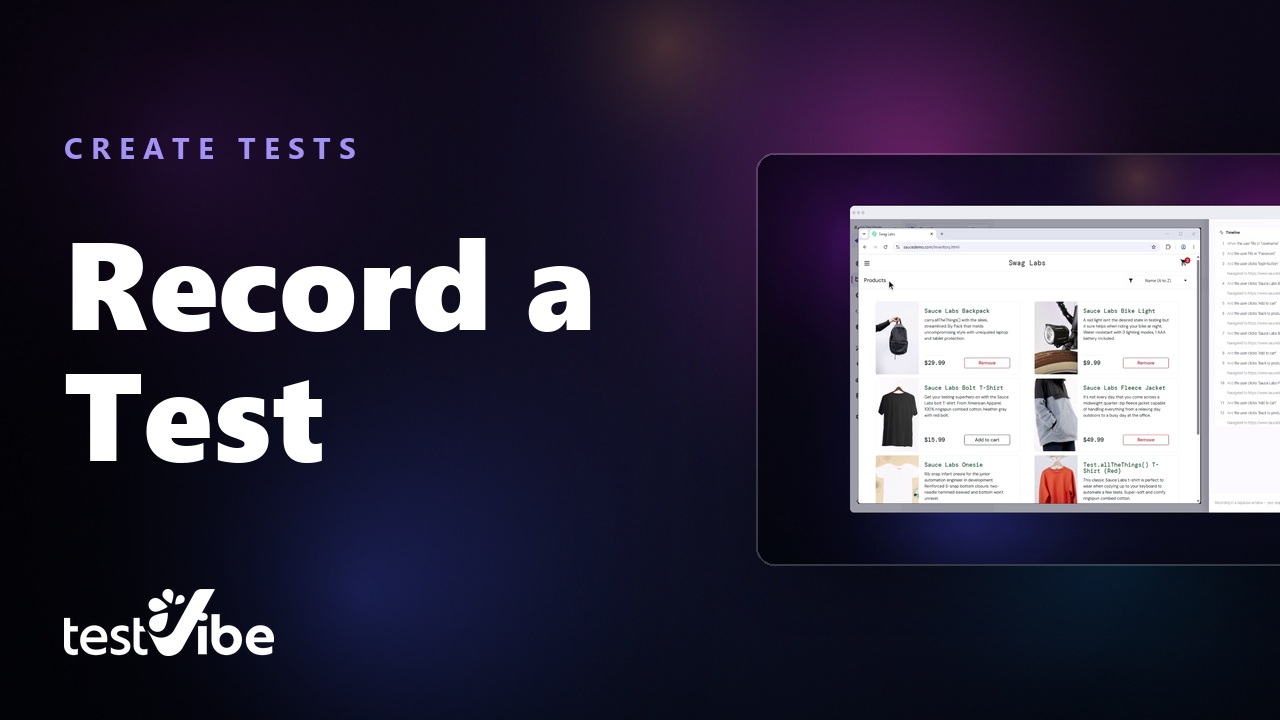
Record a browser journey
Walk a full checkout in your own browser and get a reviewable Playwright test out of the recording.
Play the walkthroughQuickstart
Four short videos: describe a scenario, generate code, run the test, and read the result.
 0:50
0:50
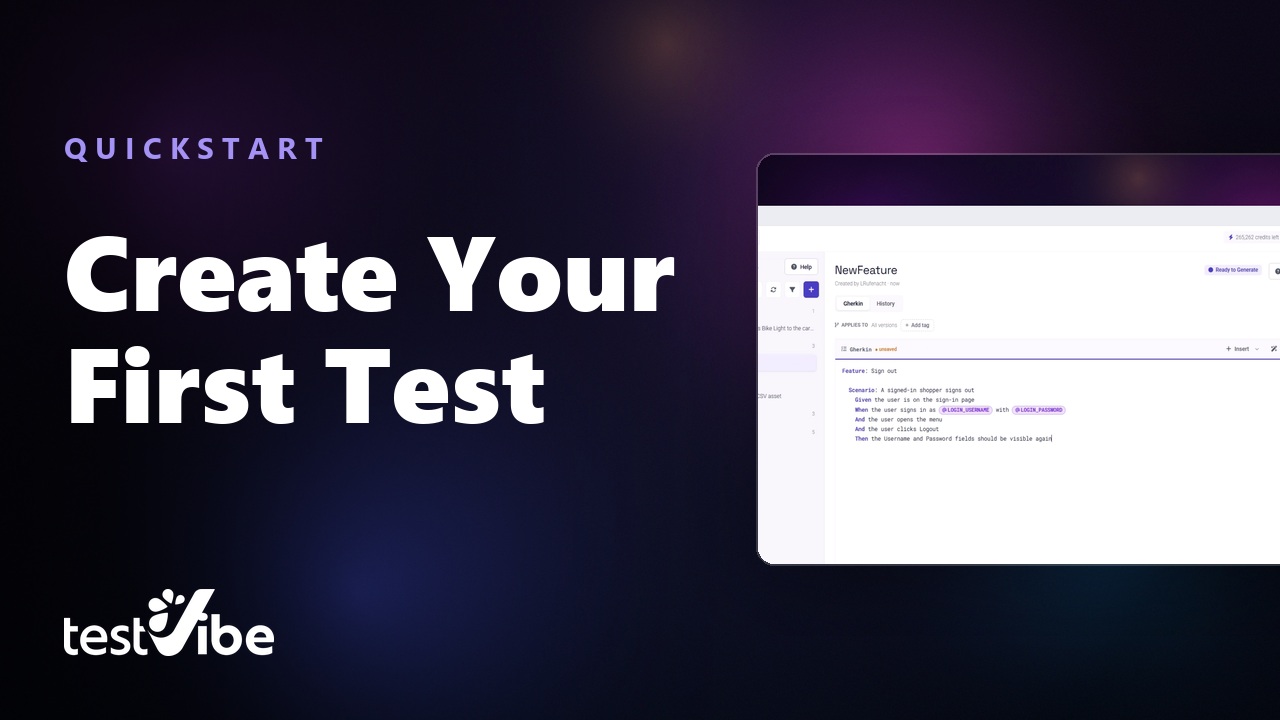
Write a Playwright test in plain English
Pick the group the test belongs in, start from a blank Gherkin file, and write one self-contained scenario that signs itself in from project variables.
 0:40
0:40
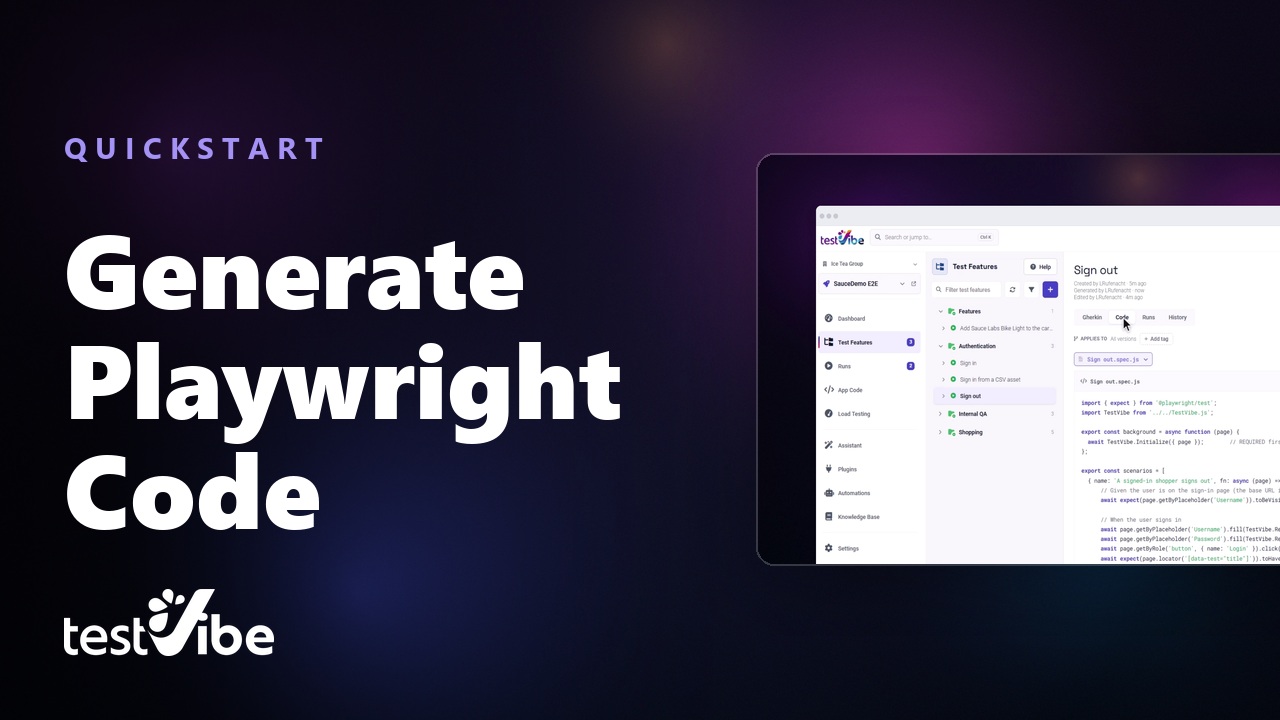
Generate Playwright code with AI
Turn a plain-English test into real Playwright code without recording clicks — an isolated cloud browser explores the site and writes it.
 0:24
0:24
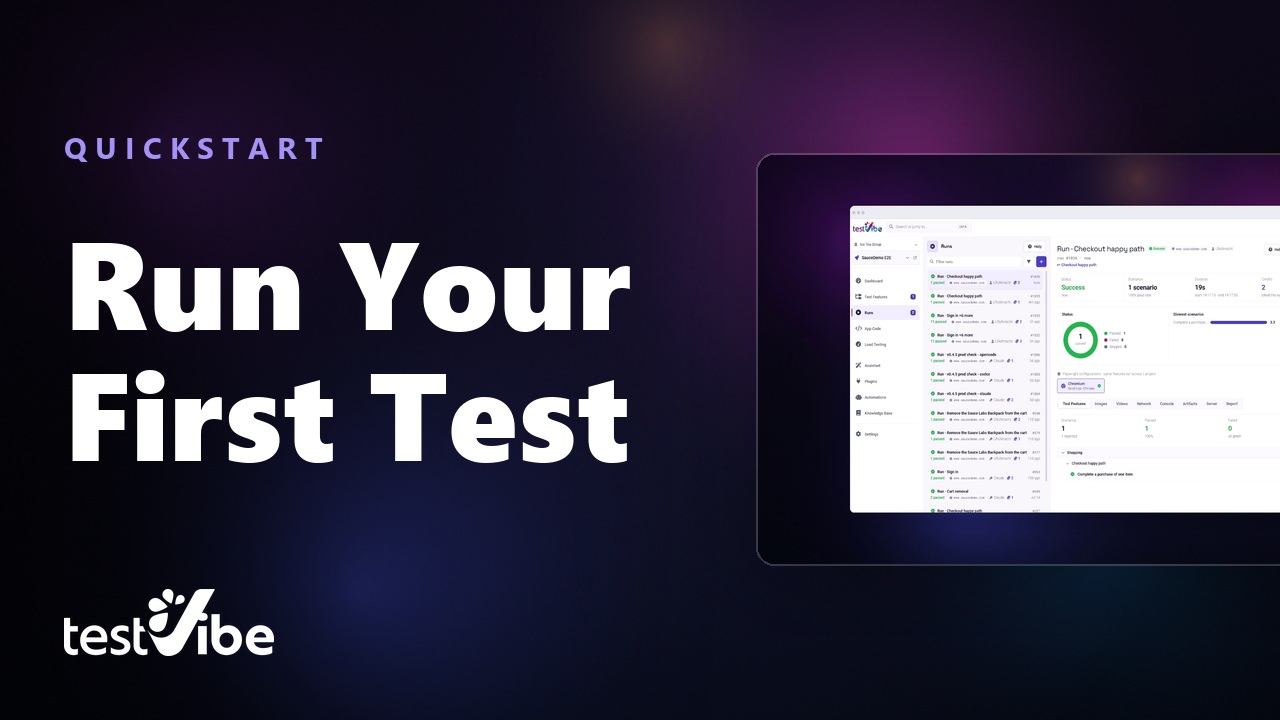
Run a Playwright test in the cloud
Run a generated test against a live site without installing or hosting anything. Pick one test, start a run, watch it move through the queue.
 0:31
0:31
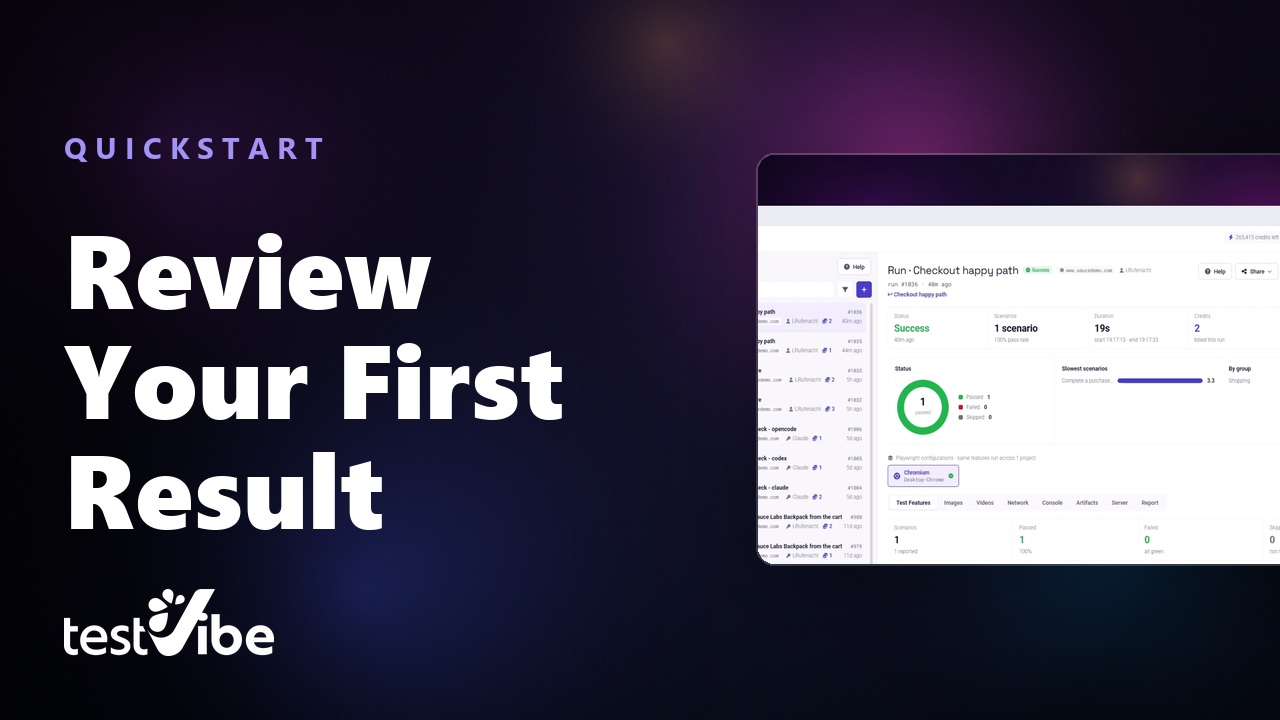
Read a test result
Open a finished run and inspect its screenshots, video, and trace to investigate what happened.
Building your suite
Past the recorder up top, two more ways in: organise what you already have, or describe what you want and let AI draft it.
 0:24
0:24
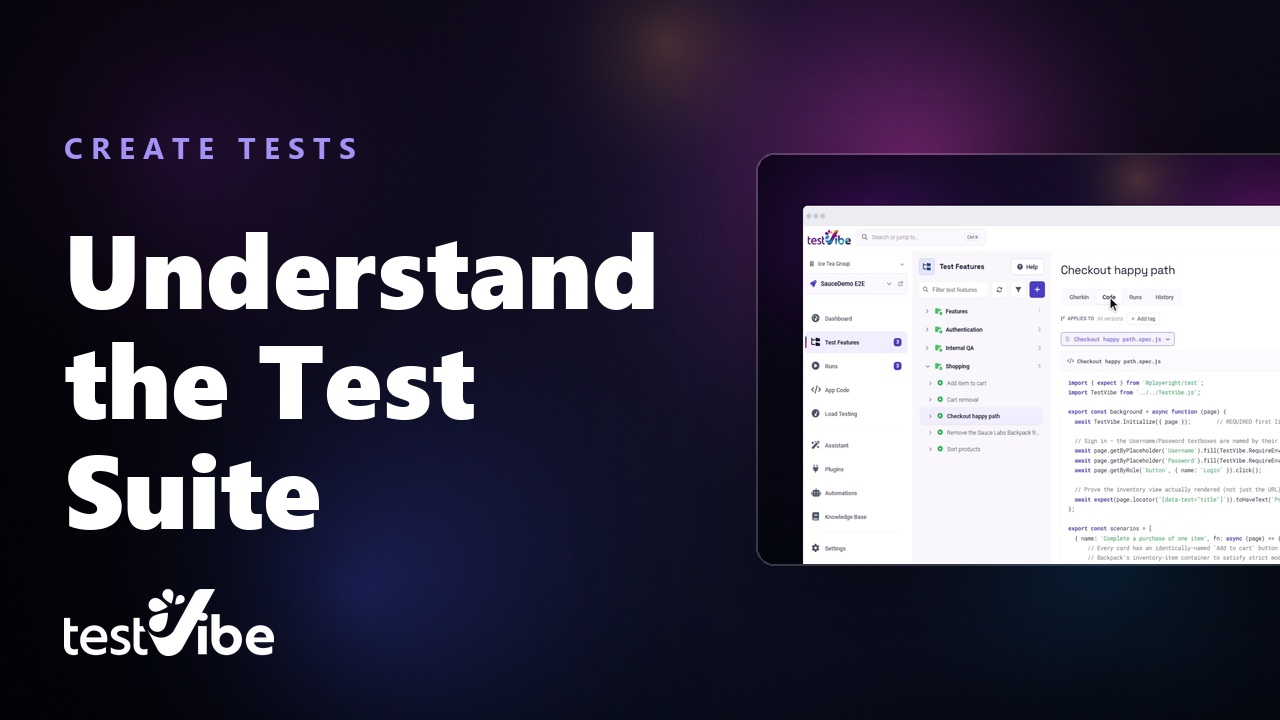
Organise a test suite
How a project is laid out — a group's readiness at a glance, then features, scenarios and the runs behind them.
 1:07
1:07
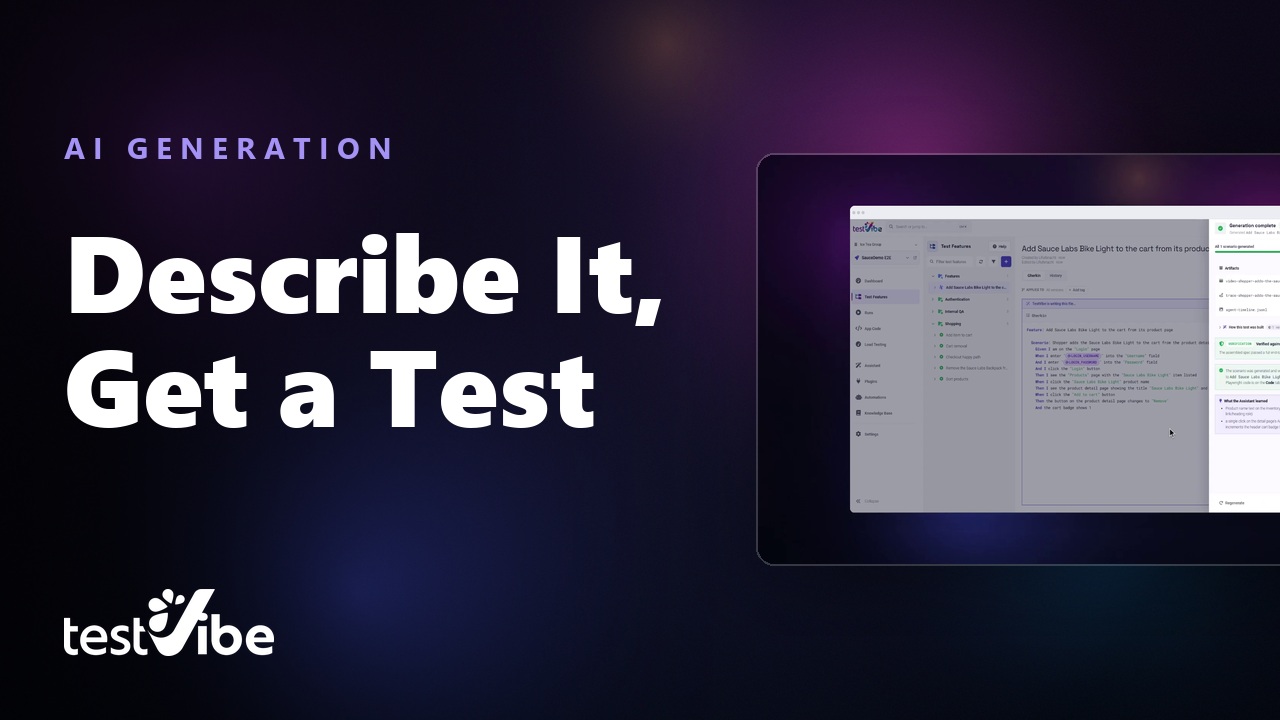
Describe a test, get the code
Write a shopper journey in one sentence, review the Gherkin TestVibe drafts from it, and let generation take it the rest of the way.
Results, load and the dashboard
Read and share run evidence, then measure how the app responds under load.
 0:19
0:19
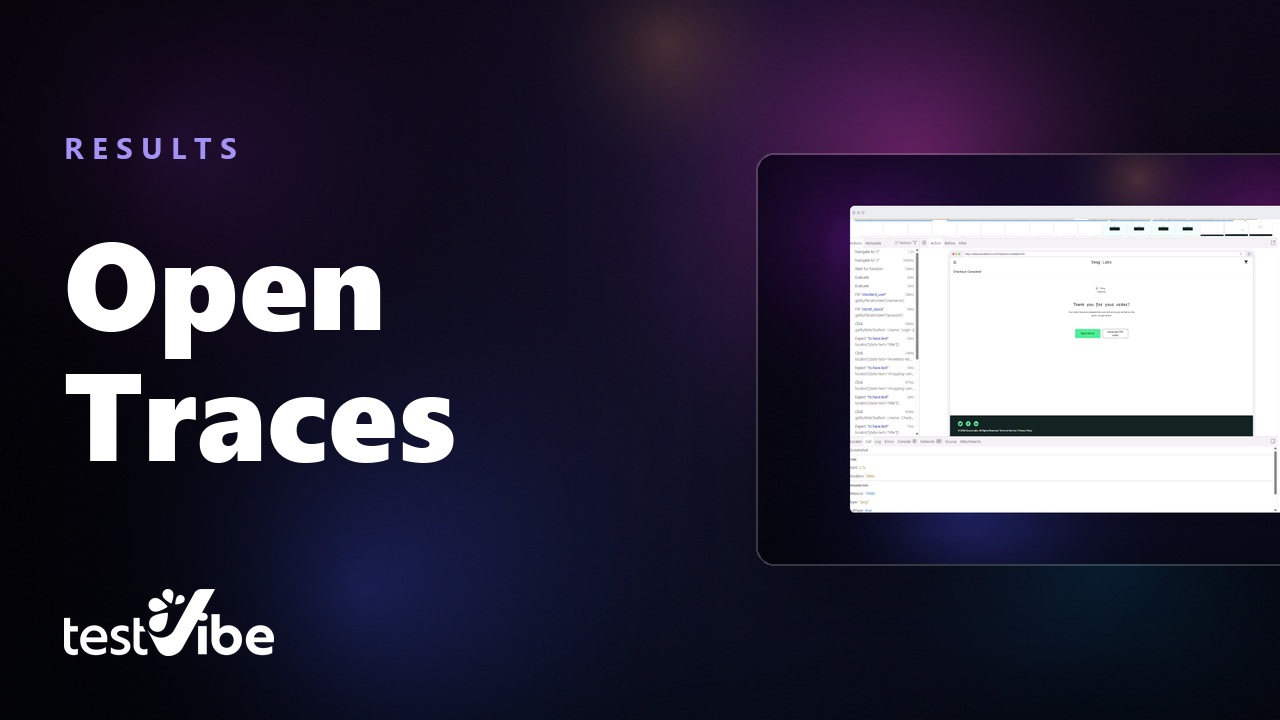
Debug with the trace viewer
Open the Playwright trace for a finished run and step through exactly what the browser did, action by action.
 0:19
0:19
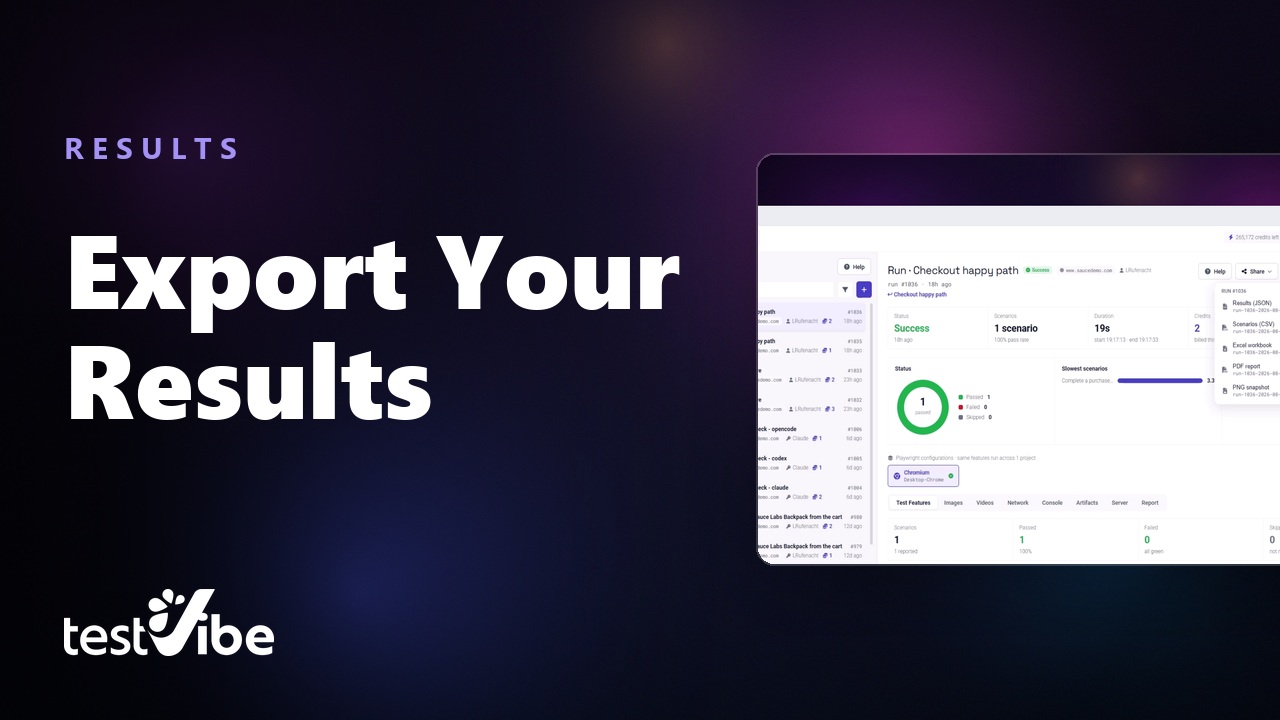
Share or export results
Get a run out of the tool and in front of whoever needs it — a share link, an email summary, or JSON, CSV, Excel and PDF.
 0:21
0:21
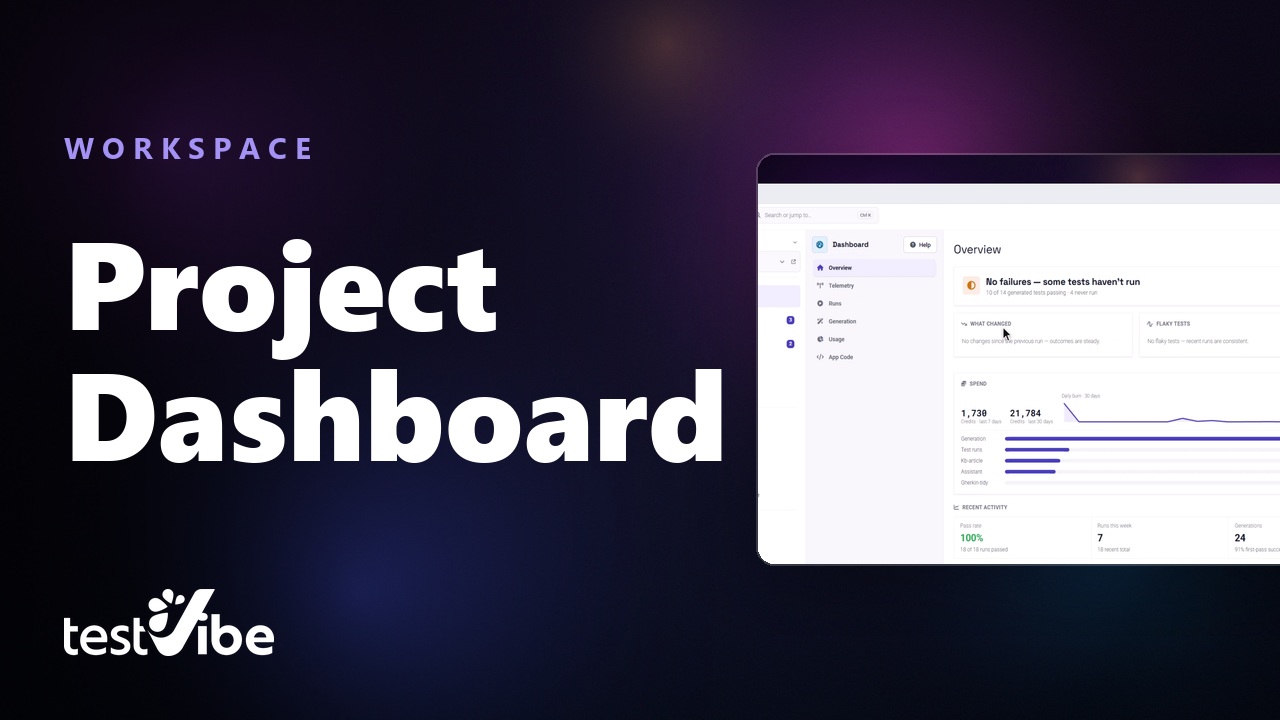
The project dashboard
Overall health, what has not run yet, what changed since the last run, which tests are flaky, and where the AI credits went.
 0:27
0:27
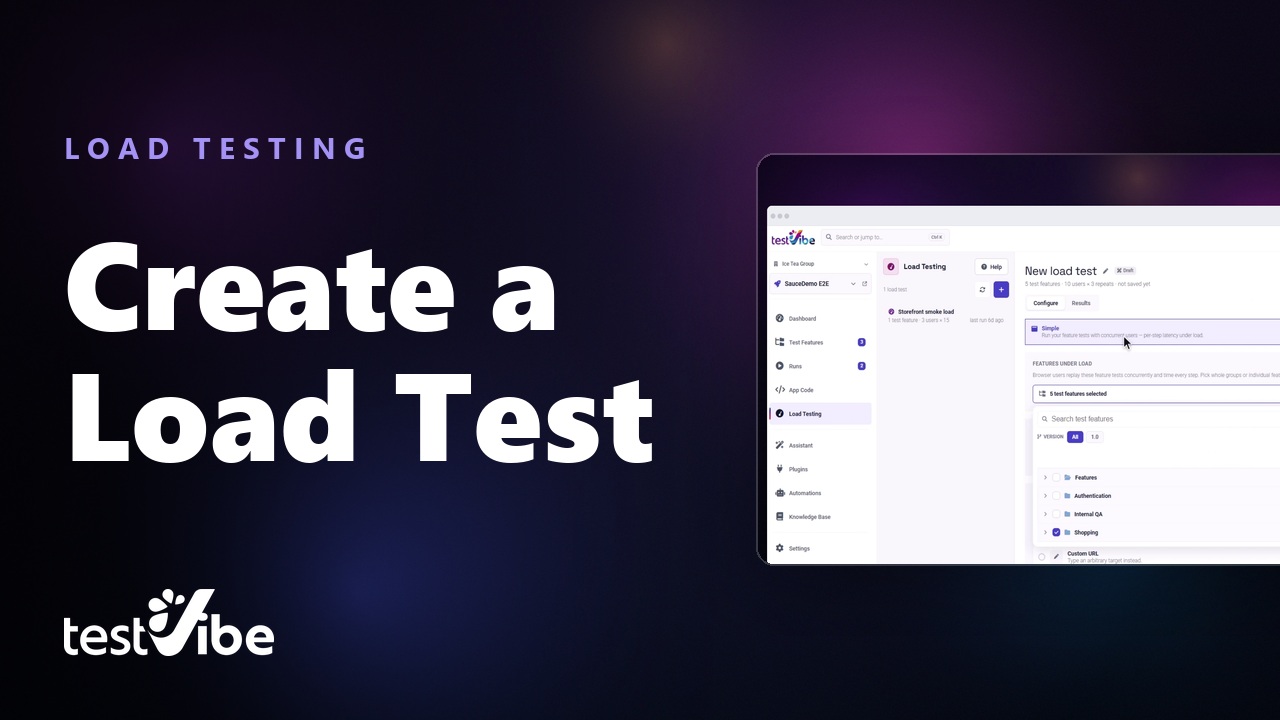
Load test with real browsers
Put the end-to-end tests you already have under load with real browser users, without writing a k6 script.
Connectors and issue tracking
Wire in the trackers your team already uses, then send a failure straight to a developer with the analysis already written.
 0:37
0:37
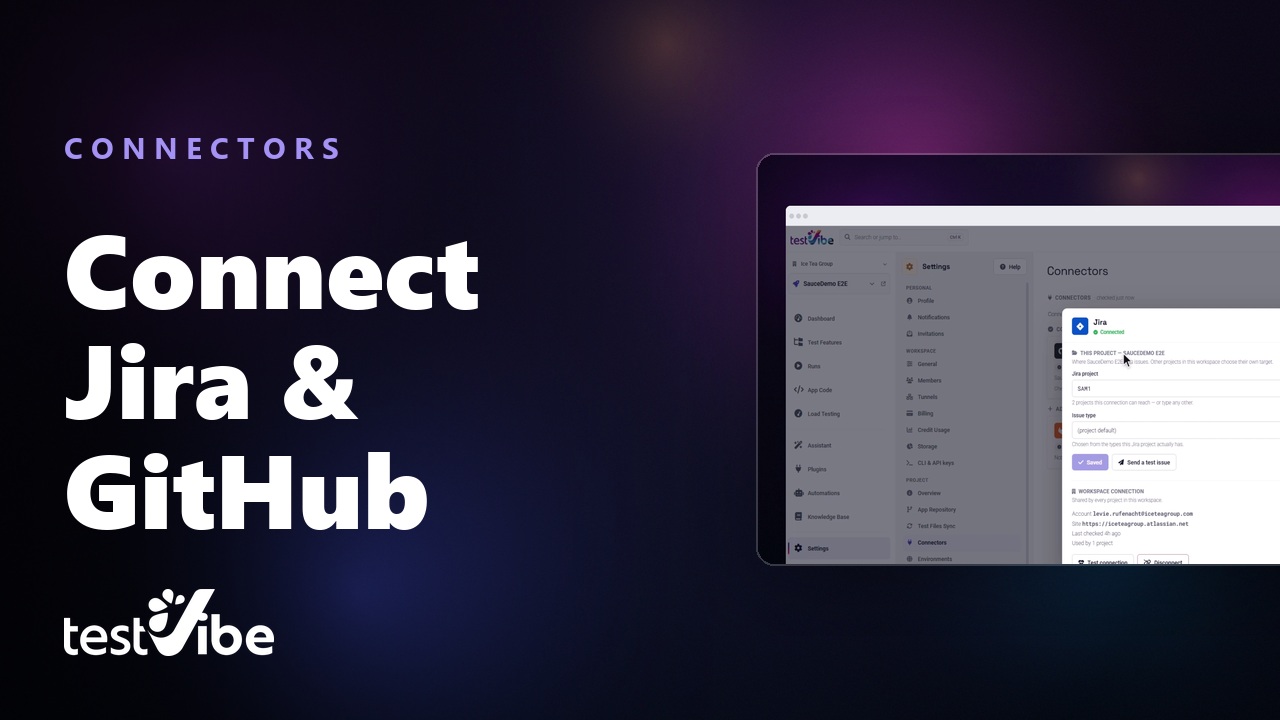
Connect Jira and GitHub
One connection belongs to the workspace and every project picks its own target — a Jira project key or a GitHub repo. Jira takes an API token; GitHub takes none at all.
 0:37
0:37
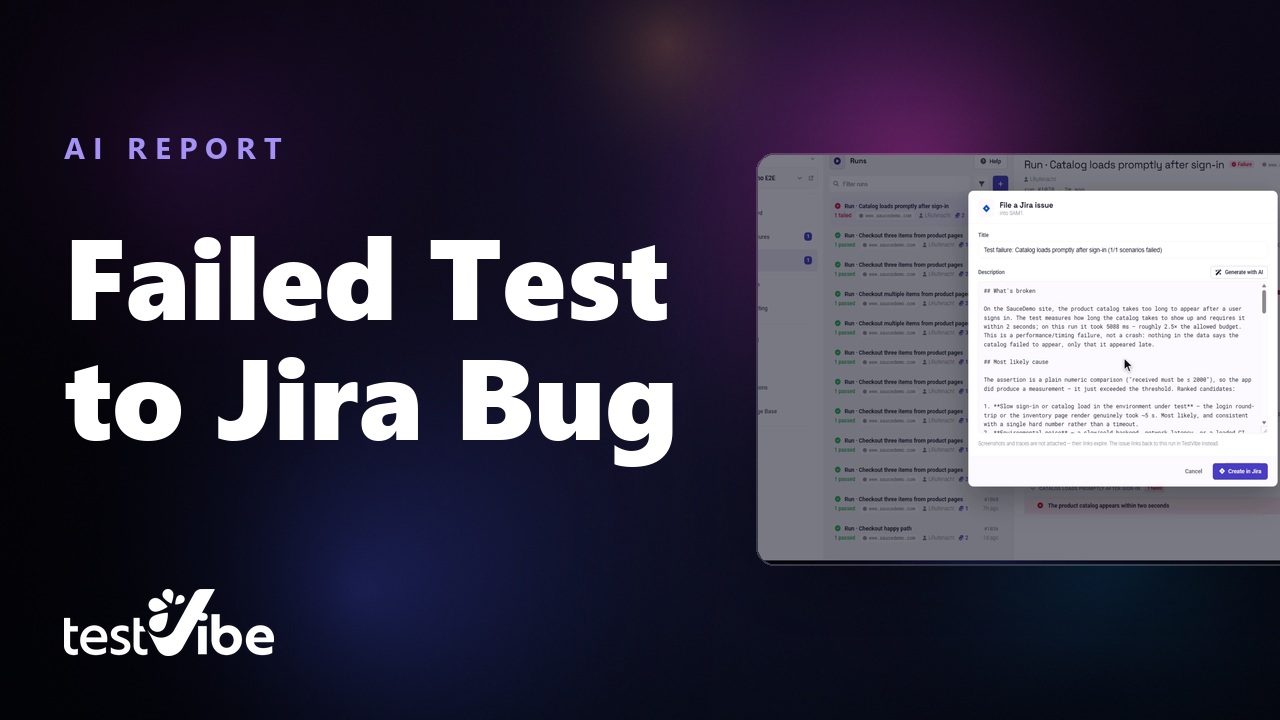
Failed test to Jira bug, written by AI
File the issue straight from the failed run and let AI write the report: what broke, the likely cause ranked, and the measured number — here a catalog that had 2 seconds and took 5088ms.
 2:04
2:04
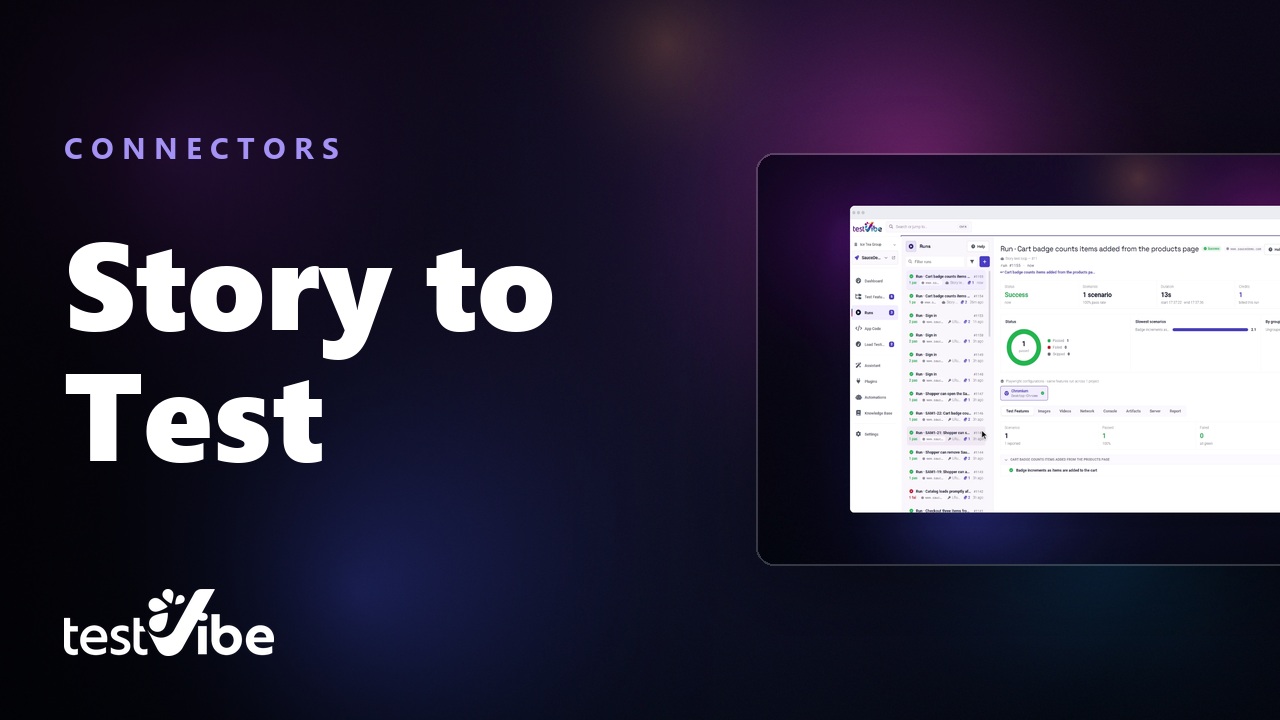
A GitHub issue to a passing test
Import the issue and the ticket answers back — one comment, rewritten in place from “drafting…” through a question it needs answered to “all 1 test passed”. Never a thread.
From the command line
The same product without the browser: generate, run, load test and debug from a terminal or a CI job, and gate the build on the exit code.
 0:26
0:26
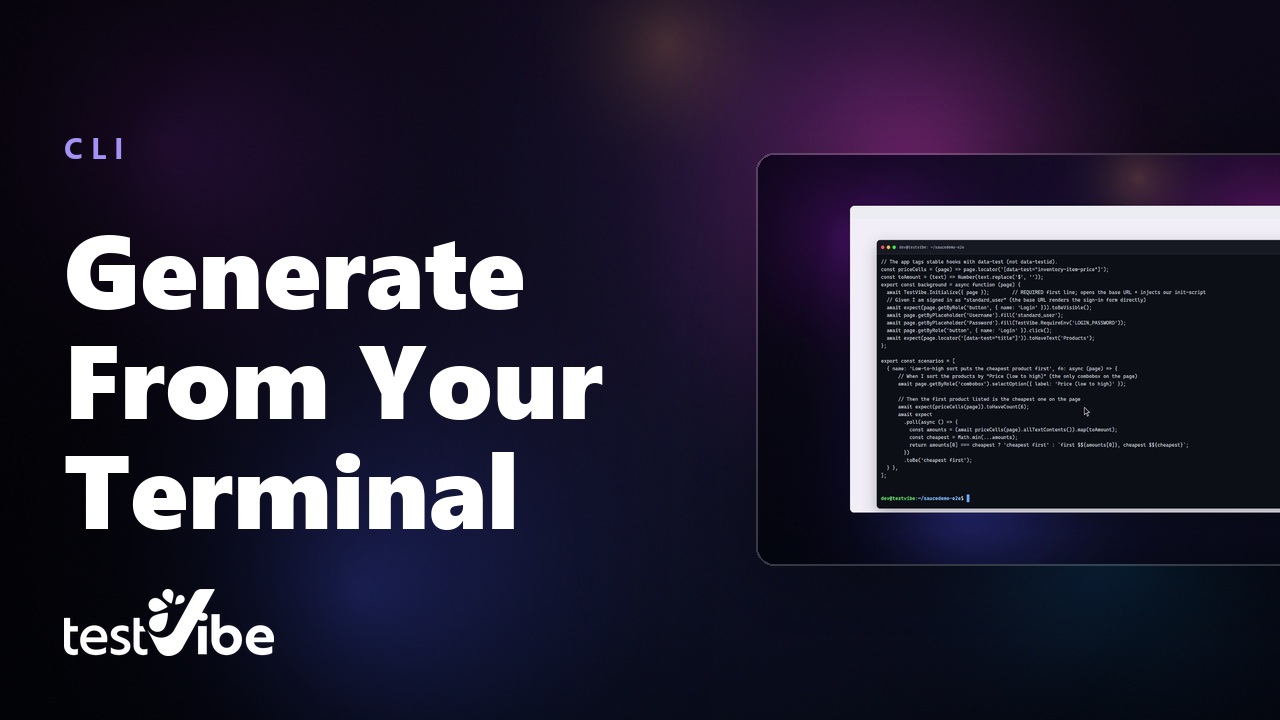
Generate tests from your terminal
Gherkin in, Playwright out. The generation runs in a cloud sandbox and blocks until a real run proves it green — then prints the spec it wrote so you can read the code before you trust it.
 0:15
0:15
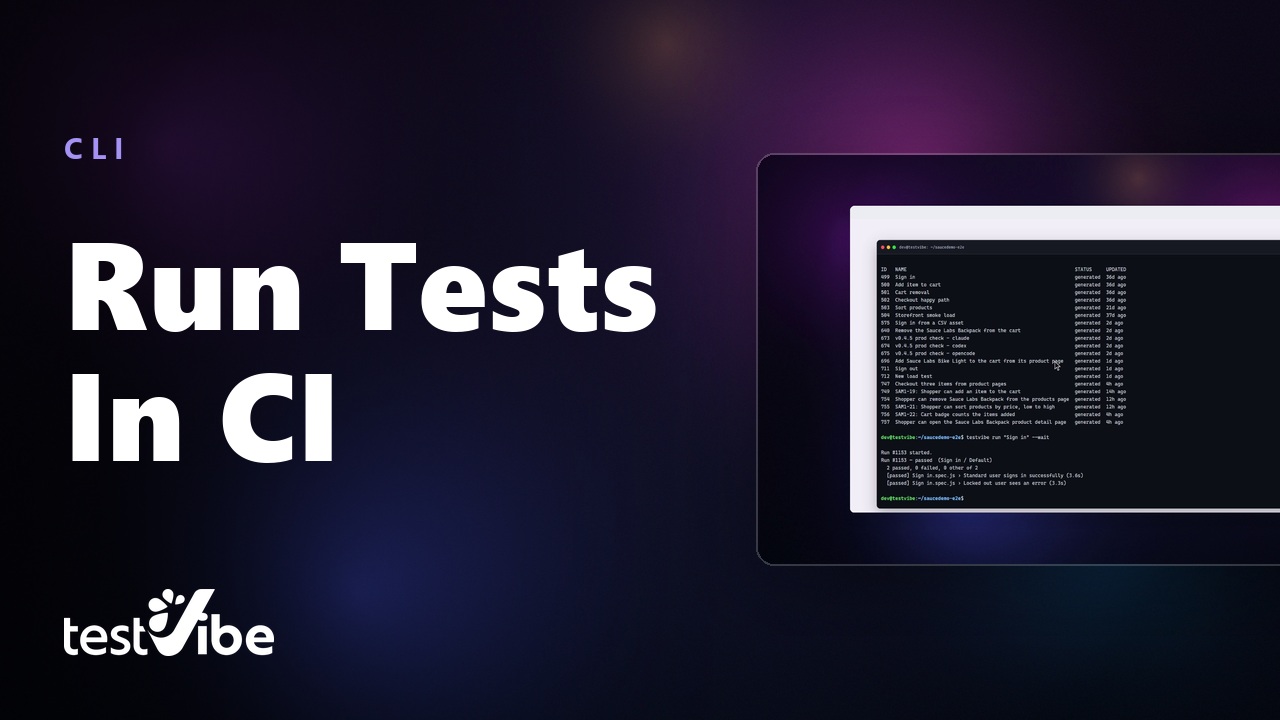
Run tests from the command line
Dispatch one feature to a cloud sandbox and wait for the verdict. Nothing to install locally, and a non-zero exit when a test fails — which is what makes it a CI step.
 0:13
0:13
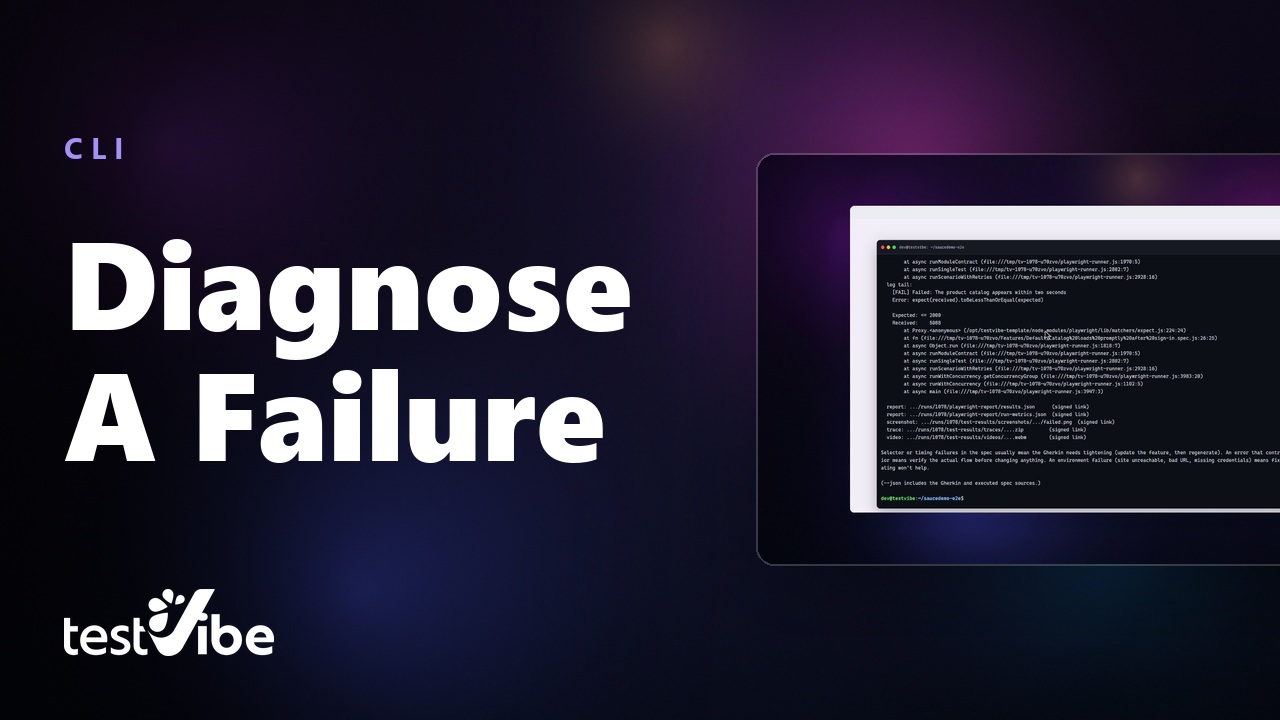
Debug a failure without a browser
Find the run that went red and print the whole story — failing scenario, assertion, stack, log tail. Here a catalog with a 2000ms budget took 5088ms.
 0:25
0:25
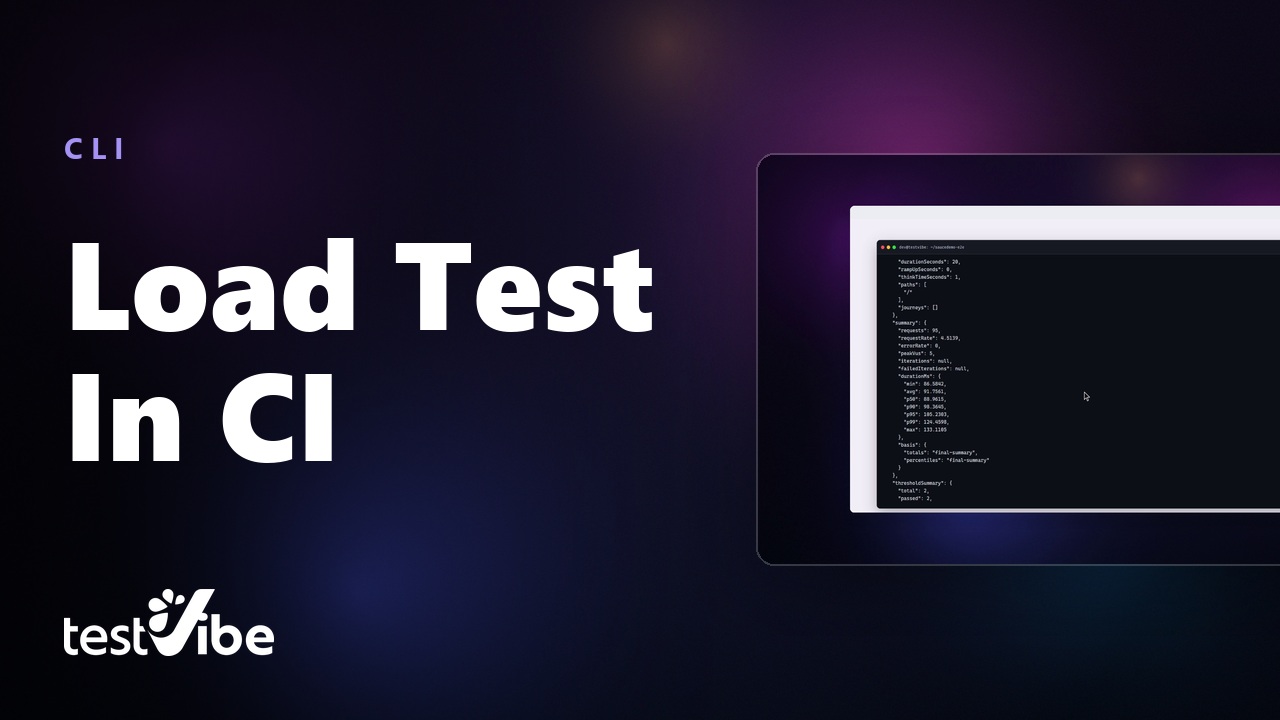
Load test from CI, with the numbers
Dispatch a load test, wait for the verdict, then read the profile, the percentiles and every threshold back as JSON — 95 requests, zero errors, p95 105ms, both gates green.
Every one of these lives on our YouTube channel, where new ones land first. Subscribe ↗